
Kafka modernization
Kafka modernization, one workload at a time. Measured before anything moves.
Apache Iggy is a persistent message streaming platform written in Rust, with no garbage collector, a thread-per-core design and io_uring. LaserData Cloud deploys and operates it. Benchmark it on your own workload before any production traffic moves.
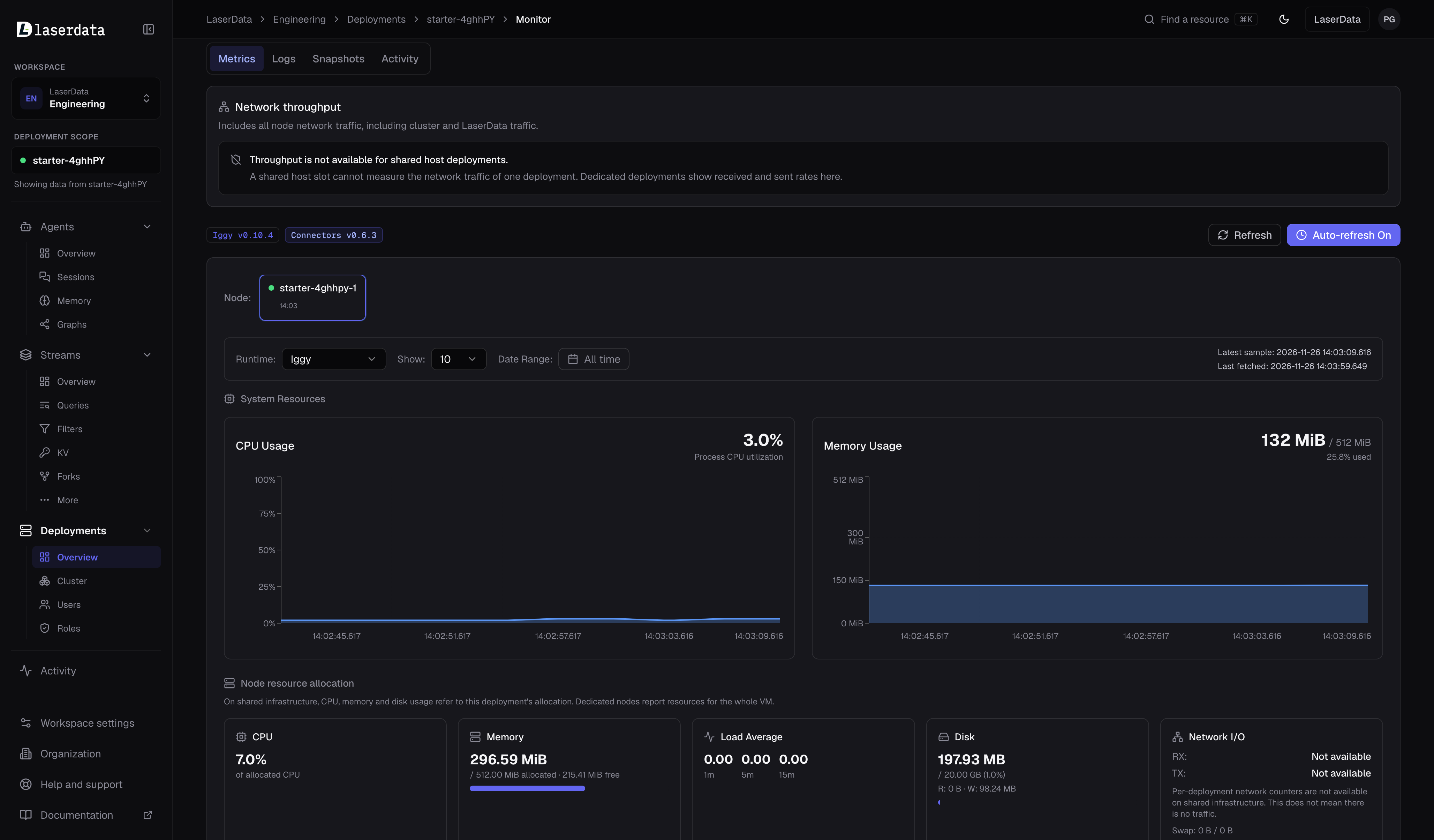
Swipe to see the whole screen
Measured in public
3.3× the throughput. 16× lower p99.
In a public benchmark by VeloDB, Apache Iggy and Kafka ran back to back on the same AWS machine. The configuration sits beside every number, and the results apply to this workload.
Broker throughput
1,232MB/s
Apache Iggy · Kafka: 371 MB/s
p99 latency
2.5ms
Apache Iggy · Kafka: ~40 ms
p99.9 latency
2.8ms
Apache Iggy · Kafka: ~80 ms
Published VeloDB benchmark · AWS us-east-1 · c6id.4xlarge (16 vCPU, 32 GB, local NVMe) · 256-byte messages · batches of 1,000 · 8 producers. Results apply to this workload. Full analysis
The cost curve
Why streaming estates get expensive.
Broker count is only the visible line item. Runtime overhead, replicated storage, operations and latency headroom all shape the bill.
Compute
Broker count, runtime overhead and the headroom reserved to keep tail latency inside the target.
- Broker count
- JVM overhead
- Latency headroom
Storage
Replicated, retained data on volumes sized for peak, not for the average day.
- Replication
- Retention
- Over-provisioned volumes
Operations
The people and process cost of running a large estate safely.
- Partition planning
- Rebalancing
- Scaling events
Architecture to outcome
Why Apache Iggy is different.
Each design decision changes how much useful work a machine does and how much headroom operators keep in reserve.
- Rust, no garbage collectorNo stop-the-world pausesLess headroom held back for latency spikes
- Thread-per-core, shared-nothingEach core runs its own shardMore useful throughput from every vCPU
- io_uring completion-based I/ONetwork and disk I/O without blocking threadsLess CPU spent waiting on I/O
- Zero-copy (de)serializationMessages are read as views over raw bytesLess CPU and memory per message
- One encoding from wire to diskRecords are stored in the layout they arrive inNo re-encoding between network and storage
Kafka gateway
Keep the Kafka client. Change only its connection settings.
The Kafka gateway lets an application that uses a Kafka client library connect to a LaserData deployment. It speaks a defined subset of the Kafka wire protocol. It is not a complete Kafka broker.
How it connects
- Kafka wire protocol on TCP port 9092
- SASL_SSL with SASL PLAIN
- Optional, off by default, turned on per deployment
- Available on managed and Free deployments
- Not available yet on BYOC or On-Premise
Not supported
- Transactions
- Log compaction
- SCRAM and OAuth sign-in
- ACL changes
A transactional producer fails at start, so exactly-once stream processing does not work through the gateway.
Placement, not migration
Place one workload first. Decide the next one on evidence.
Apache Iggy is not a Kafka broker, and there is no automated migration tool. A workload that moves to the native SDKs changes its client code. So the realistic pattern is placement: put a new or high-volume workload on Apache Iggy, measure it, and keep the rest where it runs.
Assess
Map the workload, its current cost and its operating constraints.
Benchmark
Run a benchmark shaped like your traffic: message size, batch size, producers and durability.
Place a new workload
Start with a new or high-volume workload on the native SDKs. Existing systems stay as they are.
Run side by side
Compare durability, latency and operations against what you run today.
Decide per workload
Move the next workload only where the measurements support it.
Benchmark discipline
Keep the methodology beside the result.
Every benchmark we run with you records the same four things, so the outcome can be reproduced and checked.
Workload
Message size, batch size, producer and consumer count, traffic shape.
Durability
Persistence, acknowledgement and replication configuration.
Environment
CPU, memory, storage, kernel, filesystem, region and network.
Outcome
Throughput, p99 and p99.9 latency, and the infrastructure needed to achieve them.
Validate LaserData against your real workload.
Bring broker count, throughput, retention, message shape and your current footprint. We will define a representative benchmark plan with you.